Problems we can fix remotely
- Offline and connection problems
- Printer or scanner setup
- Drivers and scanning apps
- Stuck print queues
- New Wi-Fi or a new computer
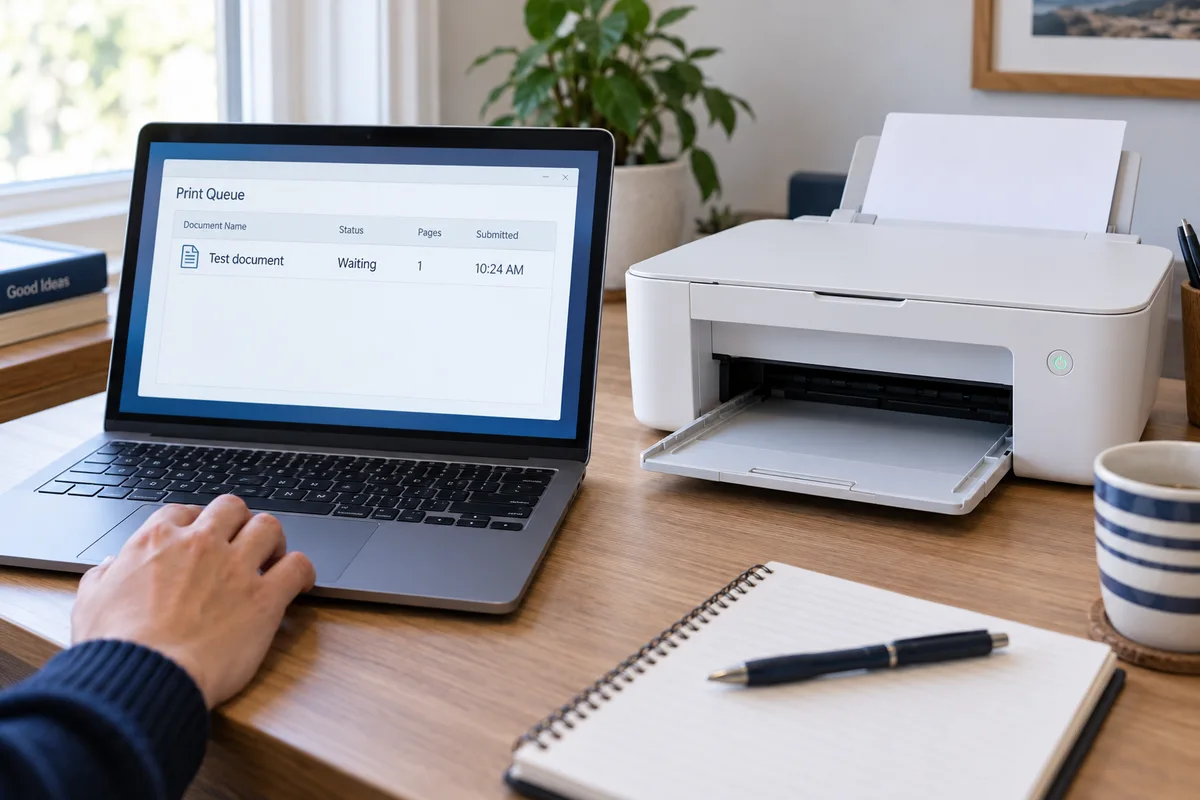
You have restarted it. The document is still waiting. BrainRoad traces the connection, software, and print queue with you, then tests a real print or scan. You stay beside the printer; Bryan works on the computer while you watch.
You watch every click. Diagnosis is free. A successful remote fix is $99 flat—and if we cannot fix it, you do not pay.
You do not need the right technical words or the printer model before calling. These descriptions are enough to start.
Many common printing and scanning failures are connection or software problems. We trace the whole path instead of repeatedly turning the printer off and back on.
Reconnect the printer or scanner to the computer and the correct Wi-Fi network.
Install or repair the printer and scanning software without leaving duplicate devices behind.
Clear blocked jobs, restore the correct default printer, and test a clean print.
Restore scan-to-computer or scan-to-email when the printer and account support it.
BrainRoad works on the computer side while you stay with the printer. You may need to load paper, press a button, read a message from its screen, or reconnect a cable.
See exactly how remote support worksCall and describe what the printer is doing. The diagnosis is free, a successful remote fix is $99 flat, and you do not pay if the problem is not fixed.