Forms that reach your team
Fix a broken contact form or set up a new one. Check that the request arrives with the details your team needs to respond.
Get customer requests from your website into the inbox or software your team uses. Bryan can fix a broken form, connect your existing tools, and set up who receives each request.
Tell us what you use now and what you want to happen. The first conversation is free; the project gets its own quote.
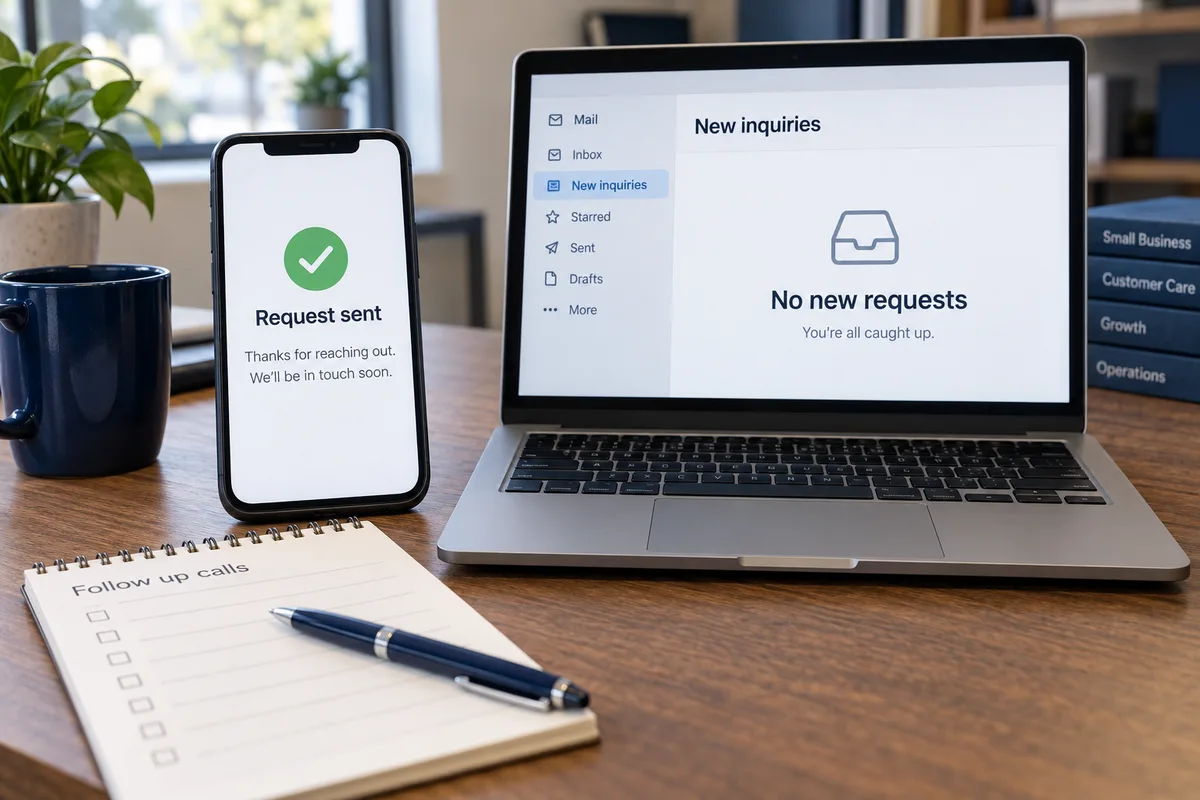
Fix a broken contact form or set up a new one. Check that the request arrives with the details your team needs to respond.
Connect the website to your customer management software, often called a CRM. Keep contact details and requests together instead of copying them from email.
Route requests to the right office or person and set up the agreed reminders. Your staff can see who is handling each request.
Set up tracking so your team can connect a request to its source and record what happened next. Advertising clicks, inquiries, and paying customers are different measures.
A connection depends on what your software allows. Bryan checks access, subscription requirements, and any separate costs before you approve the work.
This completed project gave staff a way to receive and follow up on customer requests. Read what was built and checked.
See all completed projectsGoogle and Meta traffic can land on pages matched to the city, service, suburb, or comparison the customer was already considering.
A thank-you screen is only the first step. We send a test request, check the saved details and destination, and have your team confirm they can find it and respond.
We also check the agreed handling for duplicates, missing information, and failed connections, and explain what your team should do if something needs attention.
Yes. You can get help with an existing website without buying a CRM project or a replacement site.
Yes. See software setup, integrations, and custom tools for work beyond website requests.
This work helps you receive and manage requests. It does not include buying leads or attracting new traffic. Discuss advertising or other marketing work separately; media costs and outcomes are separate from a form or CRM setup.
Start with what you use now. Bryan will discuss the repair or connection you need and explain the next step and price.